n8n Workflow Template Requirements: What to Check Before You Buy
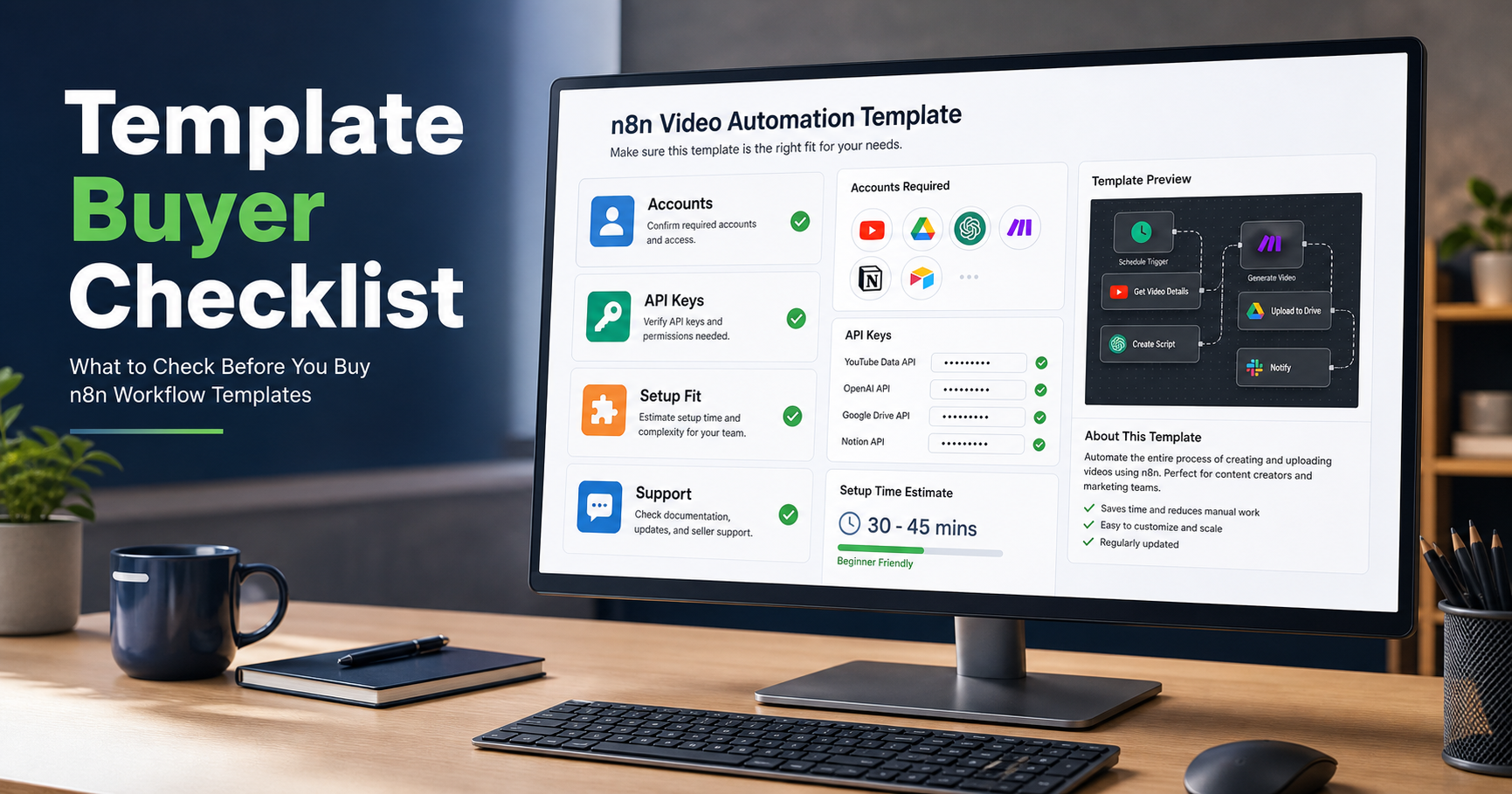
Buying an n8n workflow template should save time. It should not create a hidden setup project.
The fastest way to avoid a bad template purchase is to check requirements before you buy: accounts, API keys, webhook exposure, data fields, setup time and support expectations. This is especially important for video automation workflows, because they usually depend on external media, rendering APIs, captions, storage and publishing platforms.
Use this buyer checklist before choosing a workflow from the n8n templates marketplace. If your requirements are too custom for a template, the better route is a custom n8n setup.
1. Confirm the workflow outcome
Start with the output, not the nodes.
- Generate a product video from a spreadsheet row.
- Turn a blog post into a short video.
- Add captions to an uploaded video.
- Create a daily social video and send it to a review channel.
- Publish finished videos to a platform or folder.
If the template description only says "automate content" or "AI video workflow", ask what the final asset is, where it is stored and what triggers the run.
2. Check which accounts you need
A good template page should list every required account. If it does not, assume setup time will be longer than expected.
| Category | Examples | Why it matters |
|---|---|---|
| n8n hosting | n8n Cloud or self-hosted n8n | The workflow needs somewhere to run. |
| Video API | SamAutomation JSON to Video | The render step needs a service. |
| Input source | Google Sheets, Airtable, WooCommerce, RSS | This controls the payload. |
| Asset storage | S3, Drive, public media URLs | Video APIs need accessible assets. |
| Publishing | YouTube, TikTok, Instagram, Slack, email | Output delivery needs credentials. |
| AI services | OpenAI, ElevenLabs, image/video models | Some workflows use BYOK accounts. |
If you do not already have the accounts, add that to the true cost of the template.
3. Verify the credential model
Do not buy a workflow unless you understand how credentials are handled.
- Does the template include hardcoded placeholder keys or proper n8n credential references?
- Which nodes need API credentials?
- Does it use bearer auth, header auth, OAuth or query-string keys?
- Are credential names generic enough to adapt?
- Are secrets excluded from the shared JSON?
n8n's official import/export documentation notes that workflow JSON can include credential names and IDs. Treat every imported template as something that must be reviewed before it touches real accounts.
4. Estimate setup time honestly
"Ready to import" does not always mean "ready to run in five minutes." It means the workflow structure is already built.
- 10 to 20 minutes: one webhook, one API key, one simple output.
- 30 to 60 minutes: multiple credentials, a test payload and a render status loop.
- 1 to 3 hours: external publishing accounts, custom fields and production webhook setup.
- More than 3 hours: private APIs, client-specific data, compliance rules or custom hosting.
If the workflow requires custom data mapping, treat it as a setup project rather than a download.
5. Check the input schema
Most template failures are input failures. The workflow expects one shape of data and your source sends another.
titlescriptimage_urlvideo_urlvoiceovercaption_styleaspect_ratiopublish_targetcallback_url
If the template is for product videos, ask whether it supports your product fields. If it is for captions, ask whether it expects a file upload, a public video URL or a storage link.
6. Check webhook requirements
Many production n8n workflows start with a webhook. That means your n8n instance must be reachable by the system sending the data.
- Your n8n instance has a stable public URL.
- SSL is configured.
- The workflow can use a production webhook URL.
- Authentication is available for public webhook calls.
- Your source system can send the exact payload needed.
If you are self-hosting and still dealing with DNS, reverse proxy rules or SSL, solve that before buying complex workflow templates. The n8n setup service exists for this exact problem.
7. Verify render and publishing limits
Video automation has real limits. Rendering takes time, files are large and publishing APIs can throttle requests.
- How many items can the workflow process per run?
- Does it batch requests?
- Does it wait for renders to complete?
- Does it handle failed renders?
- Does it store the final video URL?
- What happens if a publishing API rate-limits the workflow?
For API-based rendering, read the JSON to Video API guide so you know what a production render lifecycle should look like.
8. Decide whether you need a template or custom setup
Buy a template when the use case matches closely, your required accounts are available, your input schema is close to the sample and you can handle small node edits yourself.
Choose custom setup when your source data is messy, you need private APIs or internal systems, multiple teams depend on the workflow, failed executions need monitoring or the workflow affects revenue, client delivery or paid publishing.
Templates are best for repeatable workflows. Custom setup is best for operational workflows that must match your stack exactly.
9. The final buyer checklist
- The final output is clear.
- Every required account is listed.
- Every API key and credential type is understood.
- Setup time is realistic.
- The input schema matches your data.
- Webhook requirements fit your n8n hosting.
- Rendering, batching and publishing limits are known.
- You know whether support is included.
- You know when to choose custom setup instead.
The right template should reduce implementation time. If it hides account setup, credential mapping or webhook work, the real cost is higher than the price on the page.
Start with workflows that list their requirements clearly in the SamAutomation templates marketplace, then use the import checklist once you choose one.